Article Components & Layout Rules
This article serves as the live benchmark for Portfolio 13's editorial layout. Every typographic scale, spatial transition, list type, and media breakout is rendered here in sequence. Turn on the baseline inspection grid with hotkey [G] to verify mathematical invariance across all 17 component combinations.
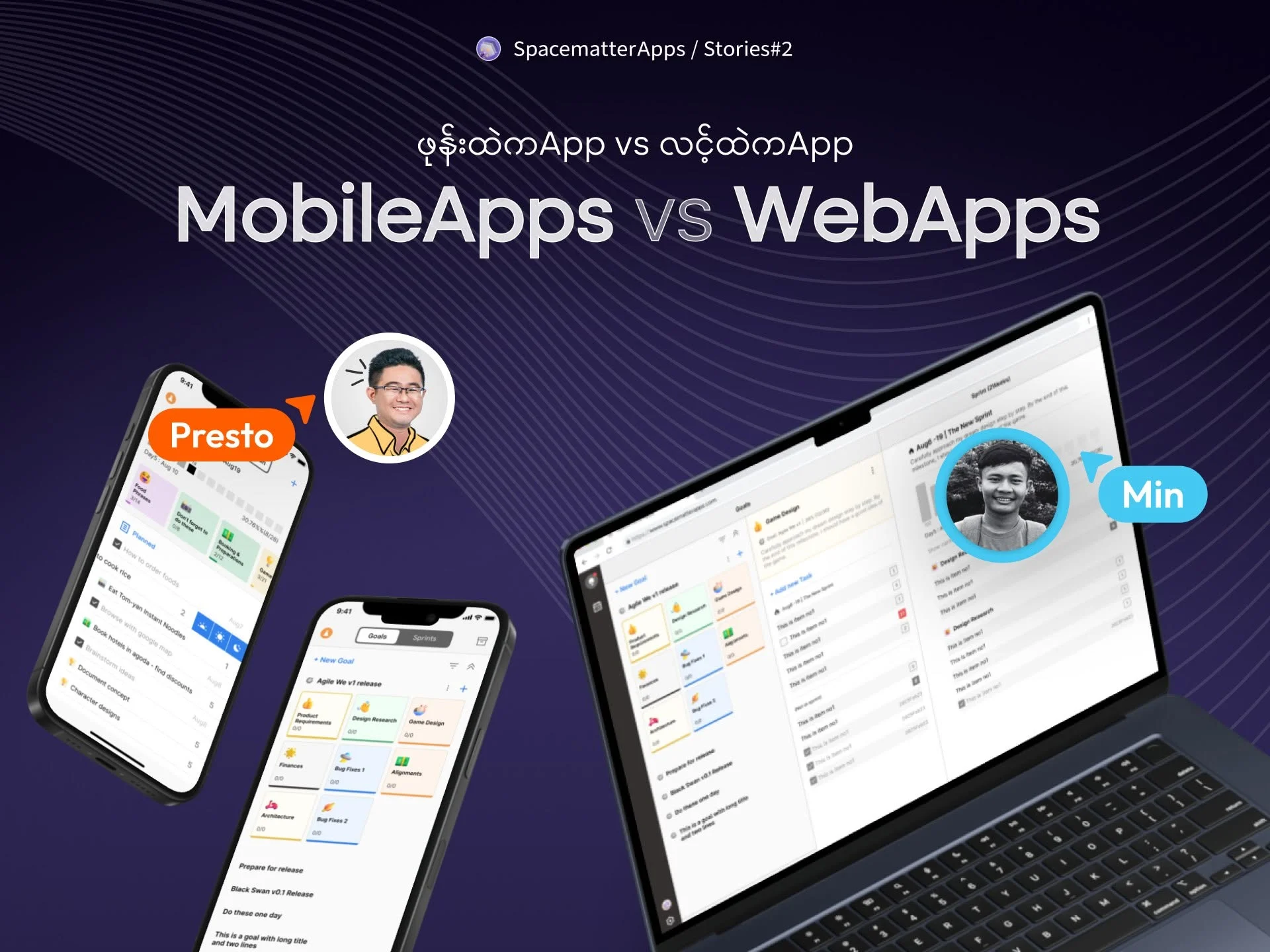
Figure 0.1: Native store and web link architecture represented in the 720px editorial breakout.
1. Title Hierarchy & Paragraph Cadence
Editorial prose lives inside a strict 540px measure (60 cells of 9px) centered on a 900px sheet (100 cells). Because every line-height is an integer multiple of 9px, text baselines remain locked to the grid indefinitely.
The standard space between two consecutive paragraphs is Level 2B (–gap-prose: 18px / 2 cells). Paragraphs never declare bottom margins; the flow container injects the 18px cadence via block-margin collapsing.
Below is a standard Markdown list demonstrating the Level 2A intra-list cadence:
- Standard Markdown unordered list items are separated by exactly Level 2A (
–gap-list: 9px/ 1 cell). - Padding on the inline start is set to
calc(var(–u) * 3)(27px / 3 cells) for clean visual alignment. - Each bullet point occupies an exact multiple of 27px (3 cells) in line height.
Directly following a list, returning to prose triggers the standard Level 2B (18px / 2 cells) paragraph gap, maintaining consistent vertical cadence across all editorial sections.
2. Subheadings & Dynamic H3 Distances
H2 defines major chapter sections and must always be closed with a divider. H3 is used within sections for granular topics. Typography-wise, H3 is identical in size to body prose (16px), styled in bold (700) with a 27px (3 cells) line-height.
Subheading 2.1: Magnetic Body Text Cadence (9px / 1u)
H3 sits at a tight, magnetic Level 2A distance (9px / 1 cell) from its following prose paragraph. Paired with 54px (6u) top margin from preceding content, this creates a decisive 6:1 proximity ratio that permanently locks the heading to its thought.
Subheading 2.2: Multi-Paragraph Flow (9px title gap, 18px prose gap)
When an H3 introduces multiple paragraphs, the title-to-first-paragraph gap remains locked at 9px (1 cell), while subsequent paragraphs flow with the standard Level 2B gap (18px / 2 cells).
Because 9px is half of 18px, the heading clamps the whole group together as a distinct, unified island of thought.
Subheading 2.3: Magnetic List Cadence (9px / 1u)
- When an H3 introduces a list, the gap directly under the title remains tightly anchored at
9px(1u). - This prevents list bullets from floating away or disconnecting from their headline.
- Individual list items maintain their compact 9px (1u) intra-list rhythm.
Engineering Callout: Self-Titled Chunk Layout
An <ArticleCallout /> is a self-contained chunk with its own integrated H3 title. Its internal title-to-body distance matches the exact same Level 2A magnetic anchor (9px / 1 cell), locking the title to its narrative without needing an external subheading.
— Architecture Guild“Components own their internal layout. The container owns all space between them. Stacking two chunks directly creates an exact Level 5 (45px / 5u) separation.”
Notice how the Callout above transitions directly into the Quote without intermediate prose. The system enforces an exact 45px (5 cells) inter-chunk gap.
This is an <ArticleSecondaryText> annotation block. It provides subdued, low-contrast commentary without breaking the primary narrative reading line.
3. Editorial Media & Data Breakouts
The divider above demonstrates Level 6B: 36px (4 cells) above the 1px hairline, and 36px (4 cells) below, summing to an exact 72px chapter boundary.
Media and data elements break out of the 540px reading measure into the 720px breakout (80 cells). Below is a single <ArticlePhoto /> with an intrinsic 9px caption gap:

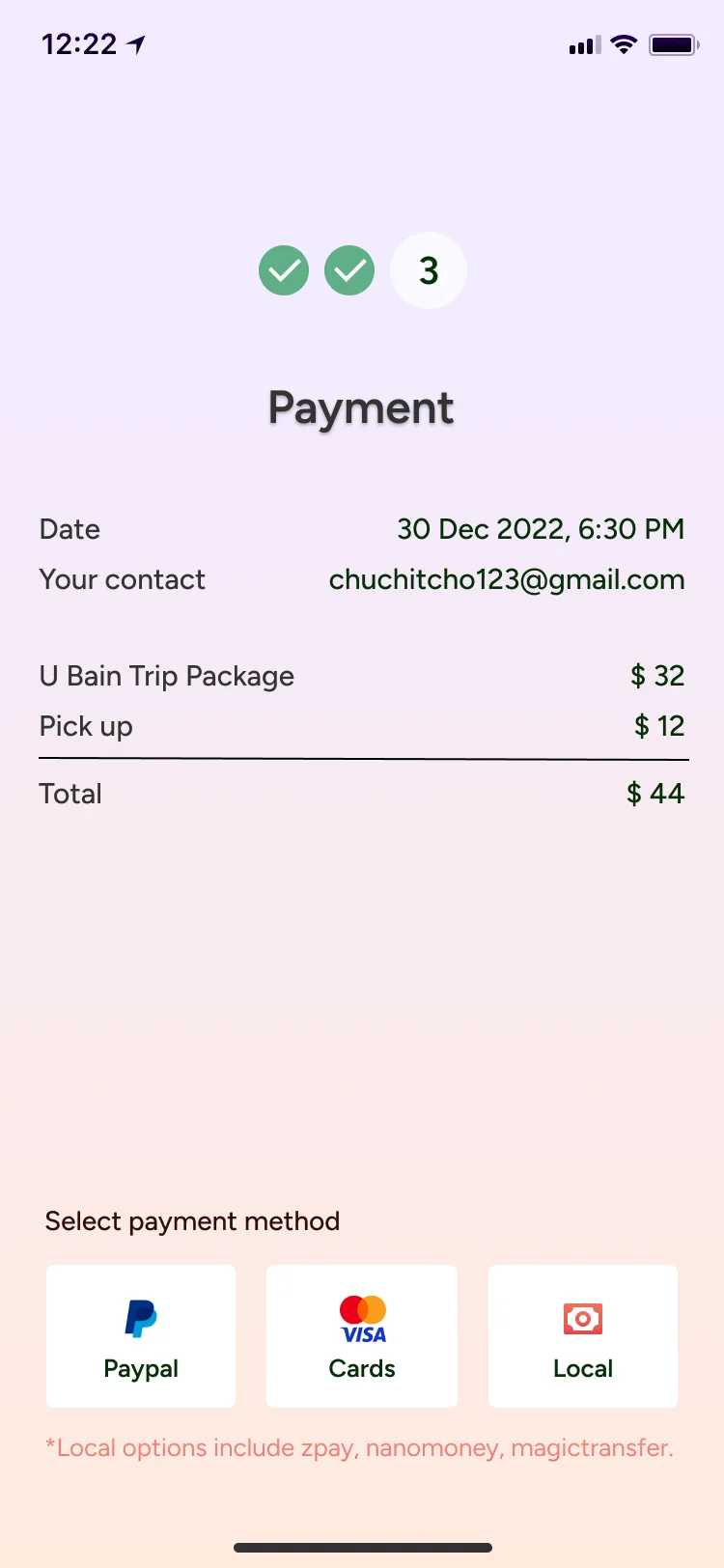
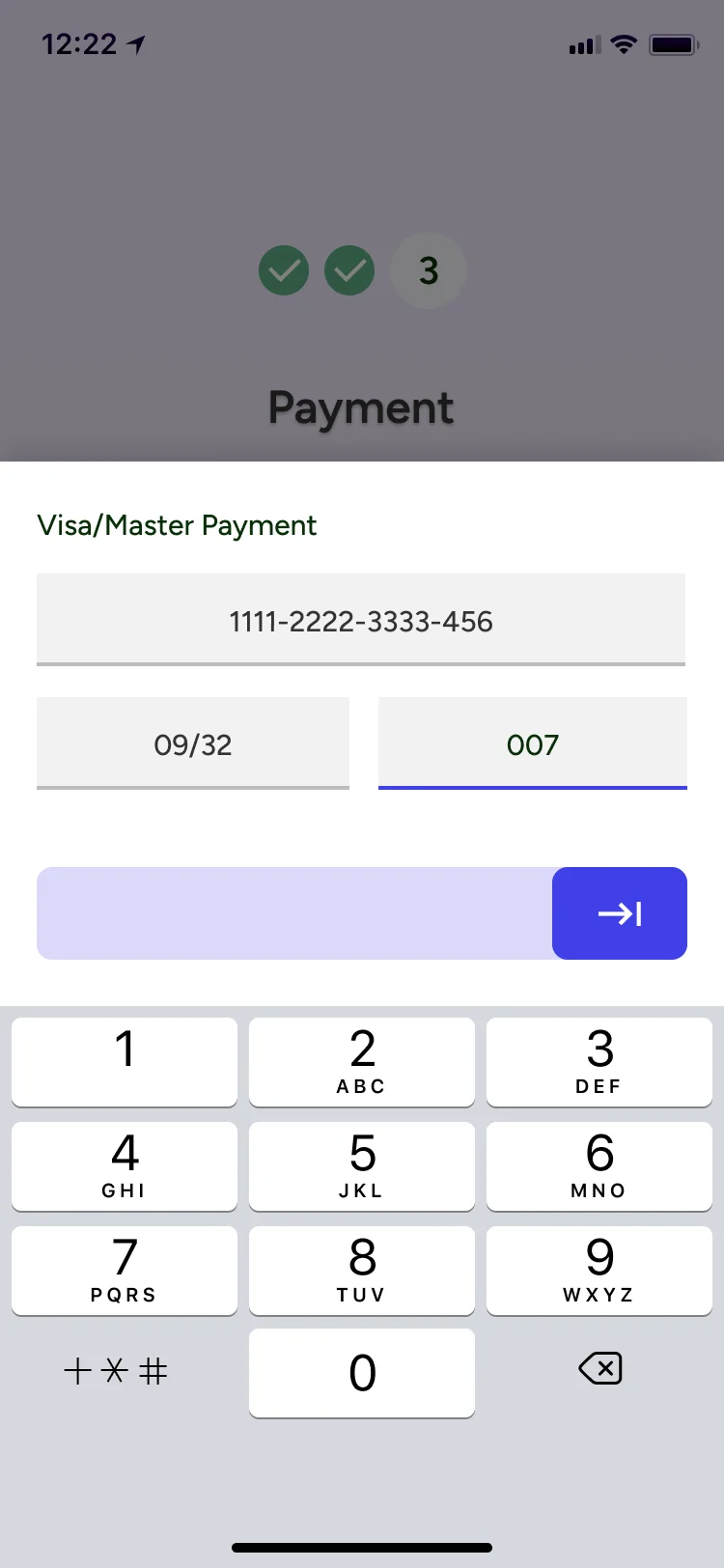
Below the single photo, we showcase a two-column comparison row (.article-photo-row-2) for side-by-side analysis:
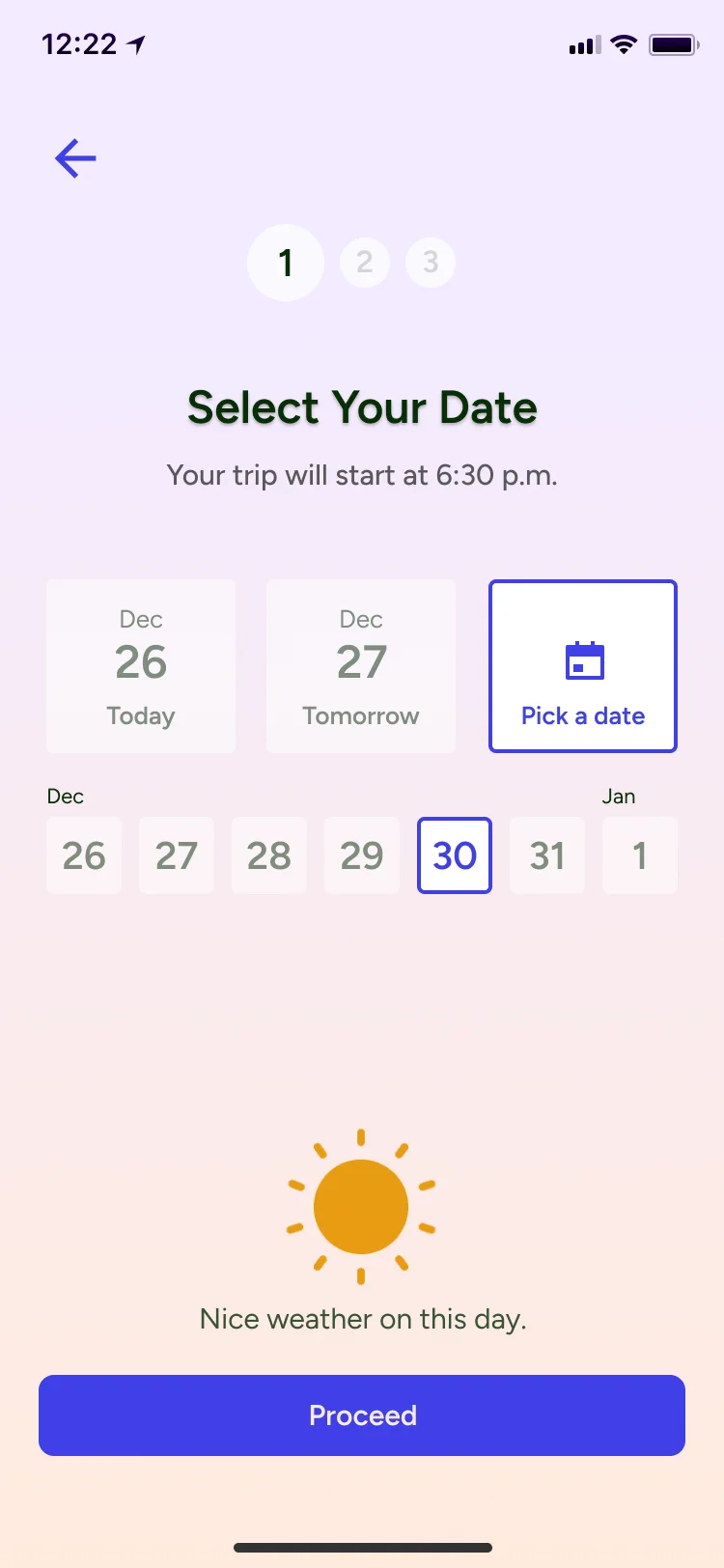

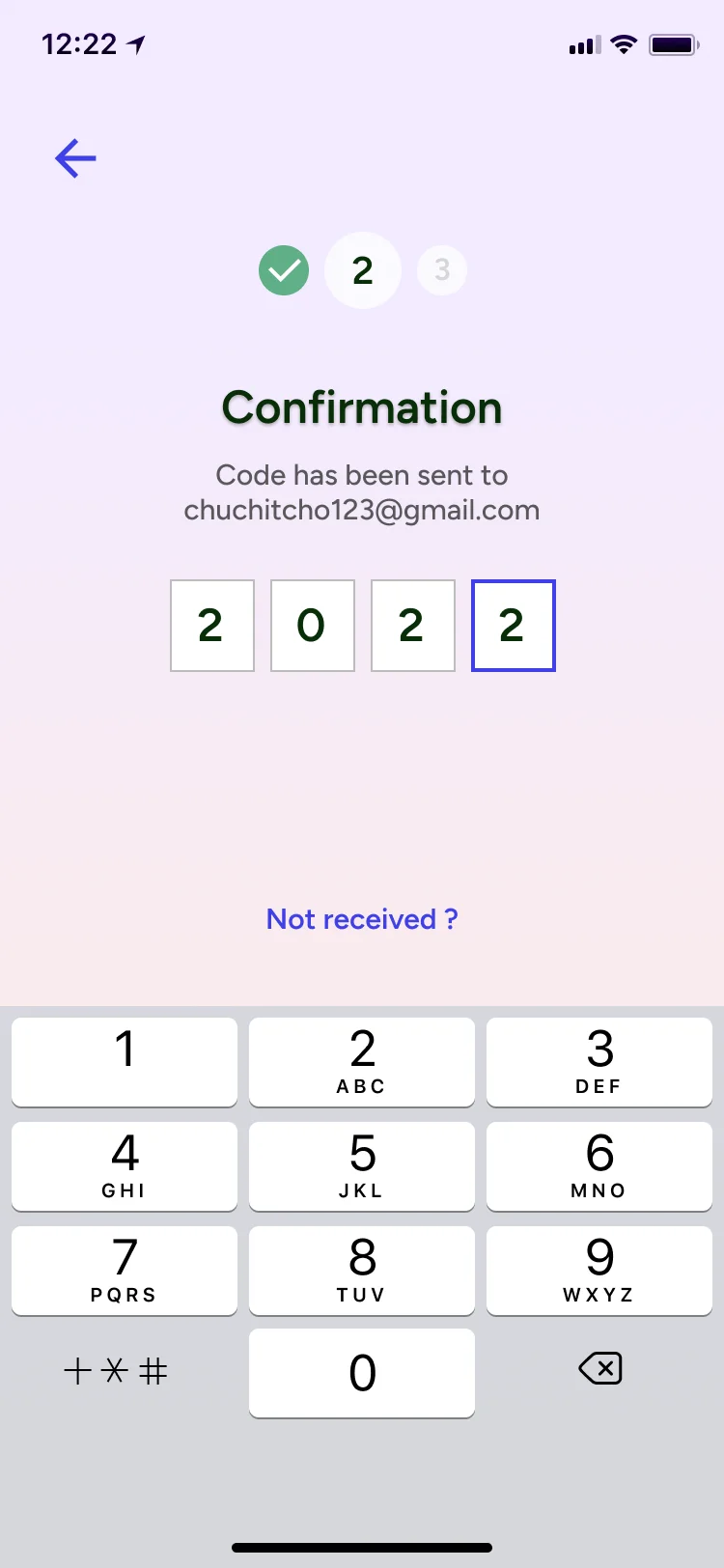
Next is a three-column mobile walkthrough row (.article-photo-row-3) used for multi-step onboarding and state machines:
Data comparisons and telemetry metrics are formatted with <ArticleTable />, which also expands to the 720px breakout:
Spatial Hierarchy Ladder — Option A
| Level | Role | Token | Cells | Pixels |
|---|---|---|---|---|
| Level 1 | Caption / Meta to item | --gap-caption | 1u | 9px |
| Level 2A | Between tight list items | --gap-list | 1u | 9px |
| Level 2B | Between two paragraphs | --gap-prose | 2u | 18px |
| Level 3 | Chunk title (H3) to item | --gap-chunk-title | 3u | 27px |
| Level 4 | Section title (H2) to chunk | --gap-section-title | 4u | 36px |
| Level 5 | Between distinct chunks | --gap-chunk | 5u | 45px |
| Level 6 | Hero (H1) to first section | --gap-hero | 6u | 54px |
| Level 6B | Divider spacing (symmetric) | --gap-divider | 4u | 36px |
| Level 7 | Between full sections | --gap-section | 8u | 72px |
Table 3.1: Exact token, cell count, and pixel values governing the 9px baseline system.
4. Structured Lists & Interactive Islands
In addition to standard markdown lists, the design system includes dedicated <ArticleList /> components for numbered and bulleted editorial callouts:
- 01 Rule Invariance: All heights, margins, and line-heights must divide evenly by 9px.
- 02 Decoupled Spacing: No child component declares outer margins; all flow is owned by the container.
- 03 Dynamic Scroll Tracking: The baseline grid overlay tracks window scroll to prevent visual drift.
Below is the bulleted variation of the same component:
- 720px breakout boundary gives interactive micro-sandboxes breathing room.
- 540px prose measure maintains optimal 60-75 character reading comfort.
- Middle-aligned sub-1u glyphs eliminate subpixel baseline misalignment.
Interactive UI micro-sandboxes allow readers to test real interaction mechanics directly in the article reading flow:
Interactive Guest Showcase
Live interactive micro-sandbox mounted inside the reading flow with real-time controls.
Interactive Guest Showcase
Live interactive micro-sandbox mounted inside the reading flow with real-time controls.
For frequently asked questions, the <ArticleFaq /> Svelte 5 accordion hydrates selectively on the static shell:
Frequently Asked Questions
Recommended next steps
You might also like
 Sep 15, 2026
Why Custom Apps Cost More Than People Expect
Understanding the real costs behind building software: team salaries, the challenge of building alone, and why an app is an ongoing commitment.
Sep 15, 2026Mobile App vs. Web App: What Founders Need to Know
Understanding the real differences between an app you download from the store and an app that runs in your browser.
 Aug 15, 2025
Showcase Reel — Visual Craft, Motion & Hardware
Ready to build on this system?
No corporate sales decks. Tell us your core business bottleneck or startup concept, and we will scope the smallest useful first release.