
Mobile App vs. Web App: What Founders Need to Know
Understanding the real differences between an app you download from the store and an app that runs in your browser.
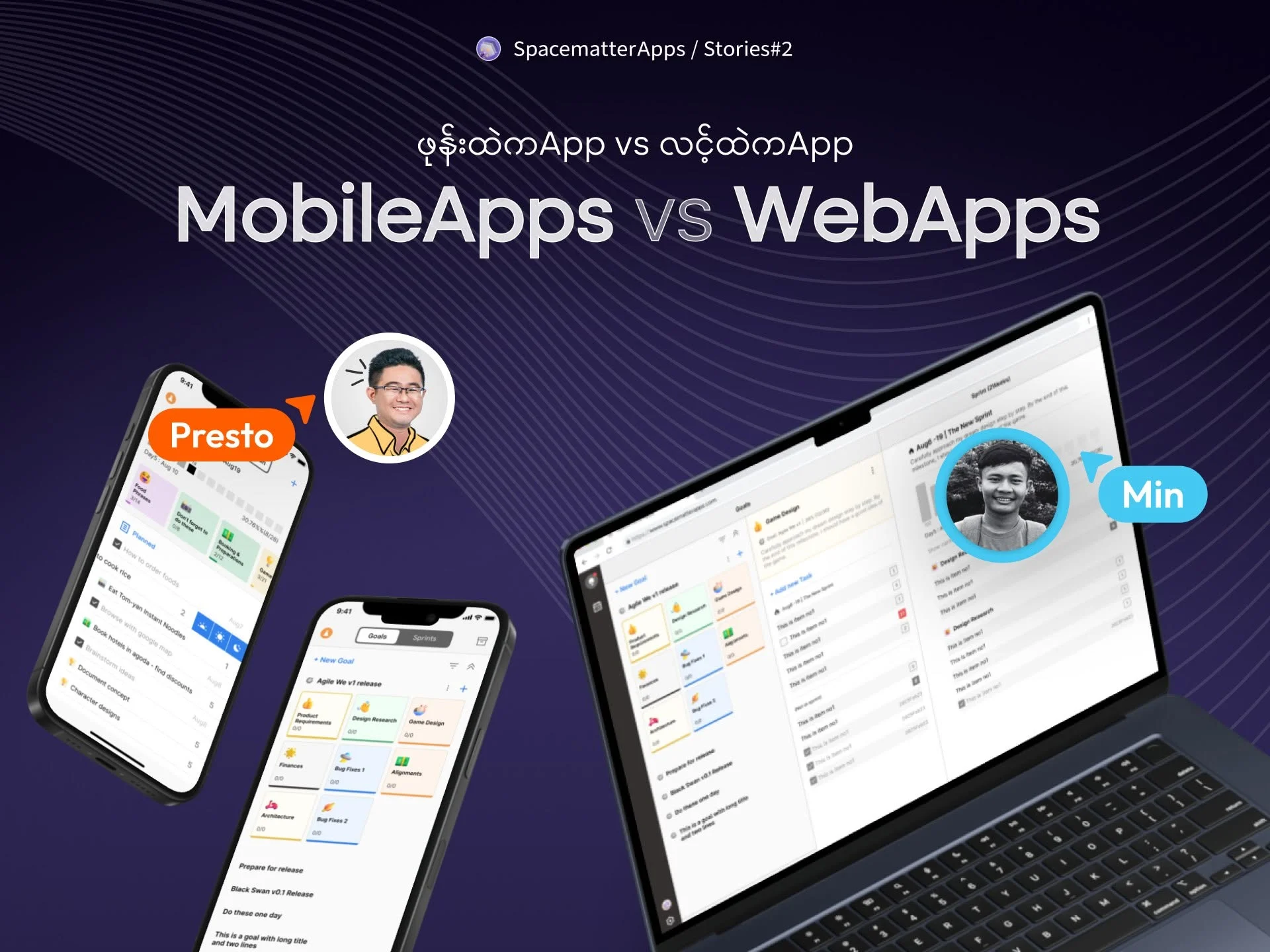
Tradeoffs between mobile apps and web apps.
1. The Rules of Apple and Google
When you build a mobile app, you have to distribute it through Apple’s App Store and Google Play. That means following their rules, fees, and review processes:
- Apple charges $99 every year for a developer account, while Google charges a one-time $25 fee.
- Every update must be reviewed and approved by their teams before your users can download it. If a reviewer flags a button or policy detail, your update is rejected until you fix it.
- On Android, Google requires new individual developer accounts to find 20 testers who keep the app installed for 14 continuous days before you can publish to the public.
None of this is impossible, but it adds weeks of waiting and friction before your first real customer can even open the app.
2. Website vs. Web App: The Airline Ticket Example
Many people assume anything that opens in Chrome or Safari is just “a website.” But there is a big difference between an informational website and a web application:
- Company A (Informational Website): You visit their site and see nice photos of airplanes with text saying “Fly with us, we have the best flights! Call this phone number to book.” That is an informational website. It shows static information, like a digital brochure.
- Company B (Web Application): You visit their site, pick your departure date, choose your seat from an interactive plane map, enter your credit card, and instantly receive a digital boarding pass with a QR code. That is a web app. It handles real transactions and updates data in real time, exactly like a downloaded mobile app.
3. The Two Islands
Think of iOS and Android as two separate islands. To launch a native mobile app on both, you have to build two separate versions: one tailored for iPhones, and one for Android phones.
A Web App is like a boat that travels freely between both islands. Every smartphone already comes with a web browser, meaning your web app reaches both iPhone and Android users instantly through a single link.
However, a web app has tradeoffs:
- Remembering the link: Users have to remember your website name or bookmark it. With a mobile app, your icon sits directly on their home screen, and push notifications can remind them to come back.
- Offline use: Downloaded mobile apps work better with phone hardware (like cameras, Bluetooth, and offline local storage) when there is no internet connection.
4. How to Choose
For most early-stage ideas, starting with a web app is the most practical choice:
- You can launch in days instead of weeks.
- You can fix bugs and update your site in 30 seconds without waiting for app store approval.
- You avoid paying app store commission fees on digital purchases.
Once your product proves that customers genuinely want and pay for it, you can invest in a dedicated mobile app with confidence.
Mobile App vs. Web App Comparison
| Factor | Mobile App (App Store) | Web App (Browser Link) | Best Fit |
|---|---|---|---|
| Launch Speed | 1–3 weeks (reviews & testing) | Instant (deploy in seconds) | Web App |
| Platform Fees | 15%–30% in-app fee + annual developer accounts | 0% store cut (standard card fees only) | Web App |
| Bug Fixes | Must wait for store review each update | Live updates instantly | Web App |
| Push Notifications | Native, highly reliable notifications | Limited on mobile browsers | Mobile App |
| Offline Access | Works easily without internet | Requires special caching setup | Mobile App |
| Home Screen | Permanent branded icon on phone | Requires manual bookmarking | Mobile App |
Tradeoffs across launch speed, fees, and device access.
Related Stories
 Sep 15, 2026
Why Custom Apps Cost More Than People Expect
Understanding the real costs behind building software: team salaries, the challenge of building alone, and why an app is an ongoing commitment.
 Aug 15, 2025
Showcase Reel — Visual Craft, Motion & Hardware
 Nov 27, 2023
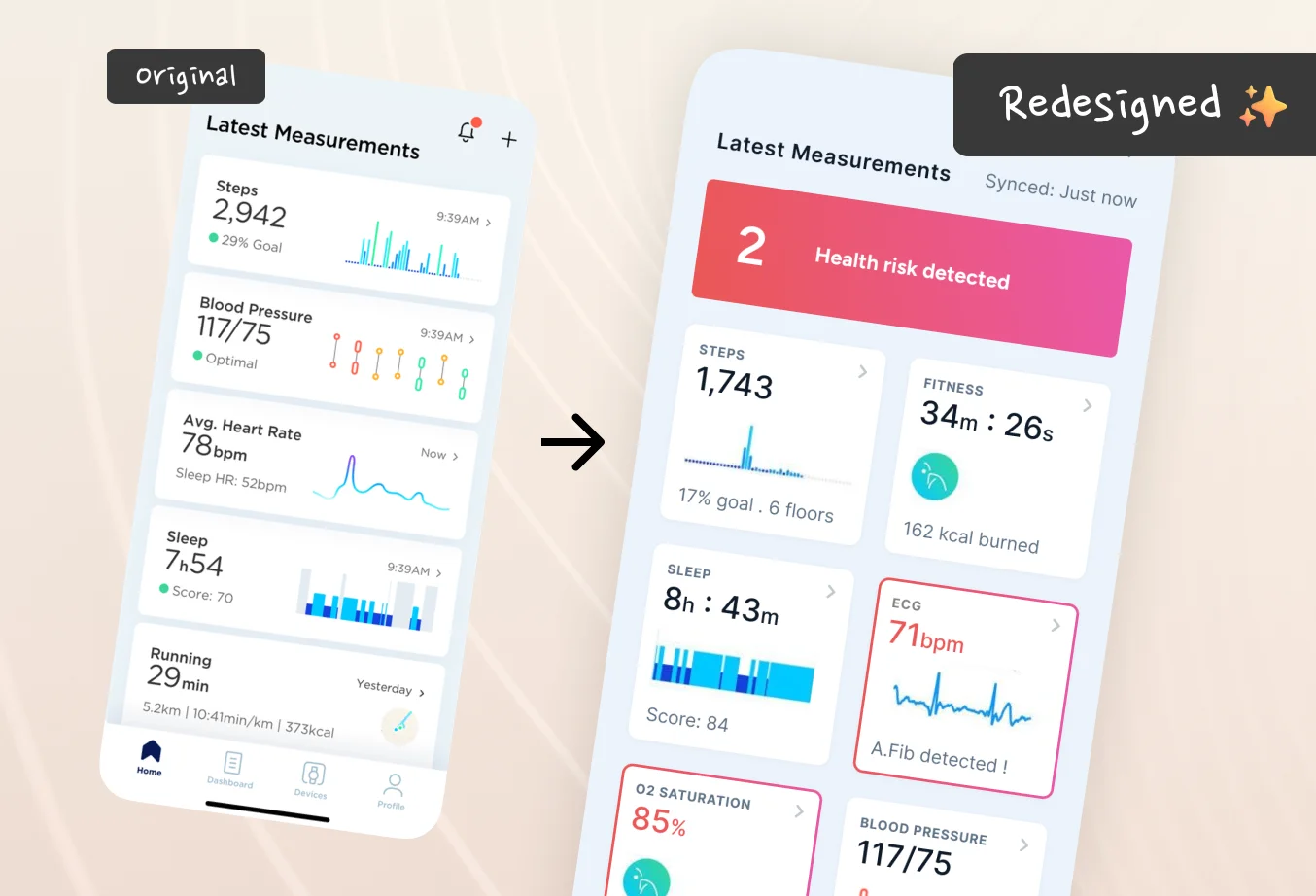
We should try this for Health App Dashboards (Redesigning Withings App)
I am redesigning this for educational purpose. I saw Withings’ announcement in CES 2023, their products look so polished that I started checking their website and found the app.