
Showcase Reel — Visual Craft, Motion & Hardware
A visual showcase of my work across daily design challenges, different screen sizes, hardware, and 3D explorations.
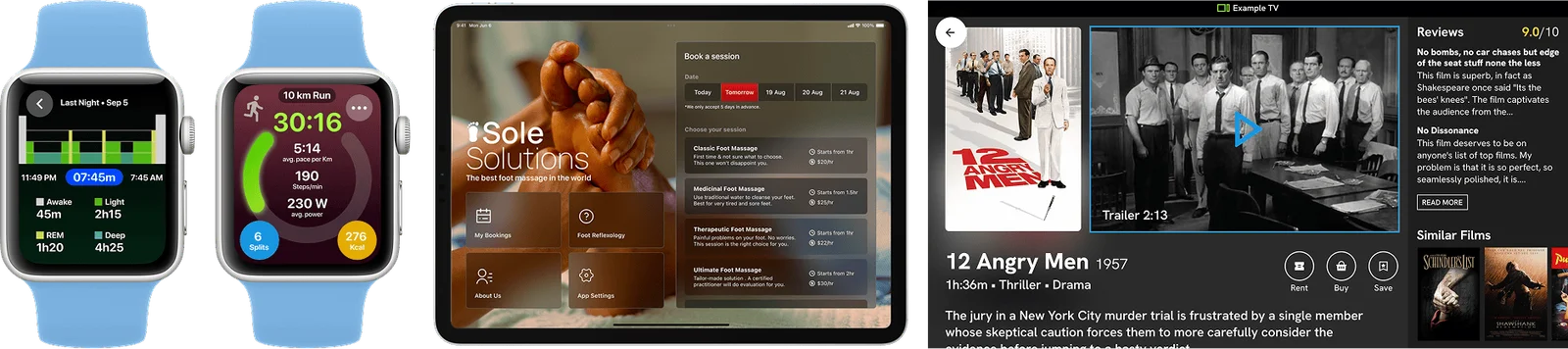
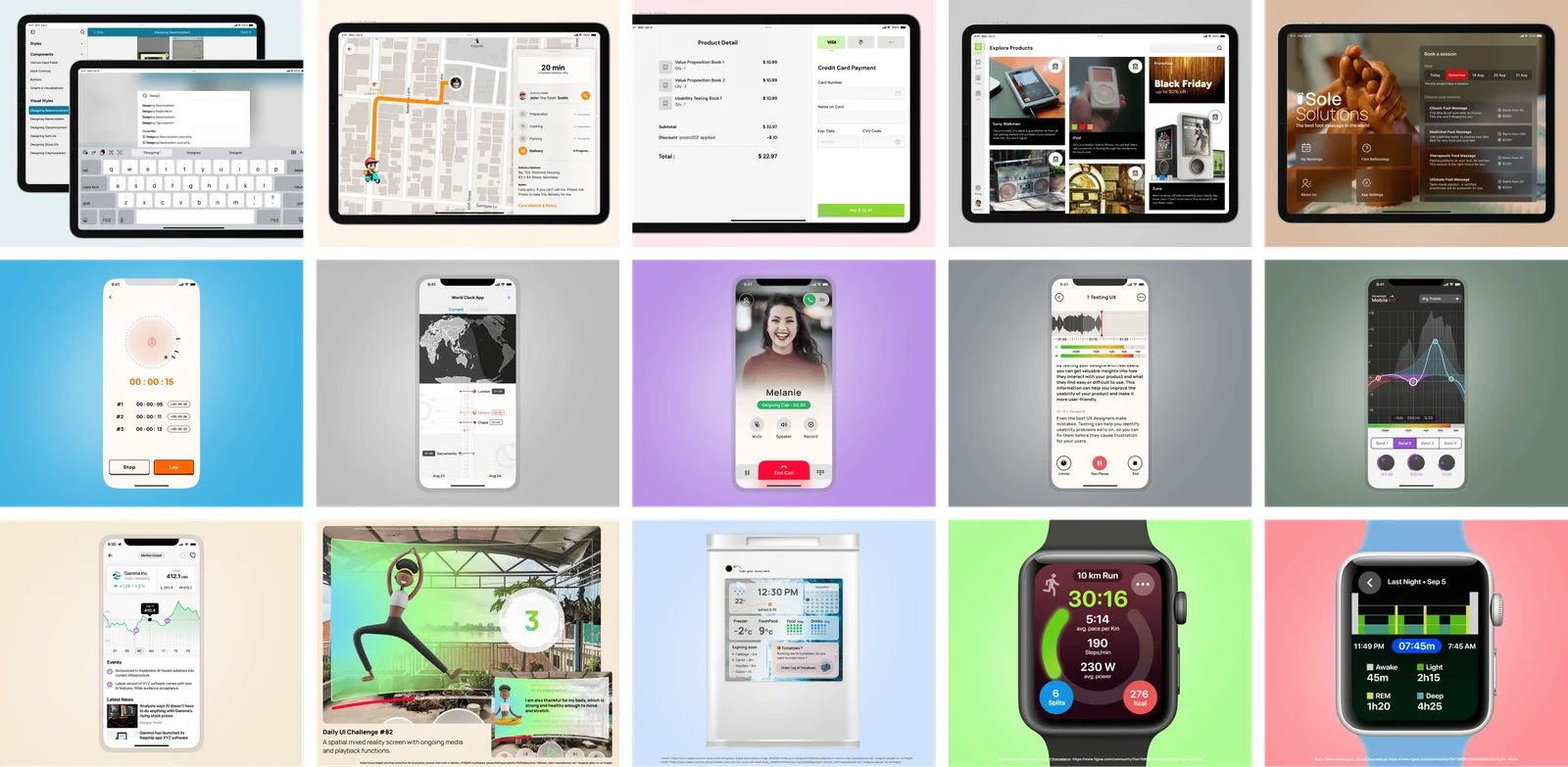
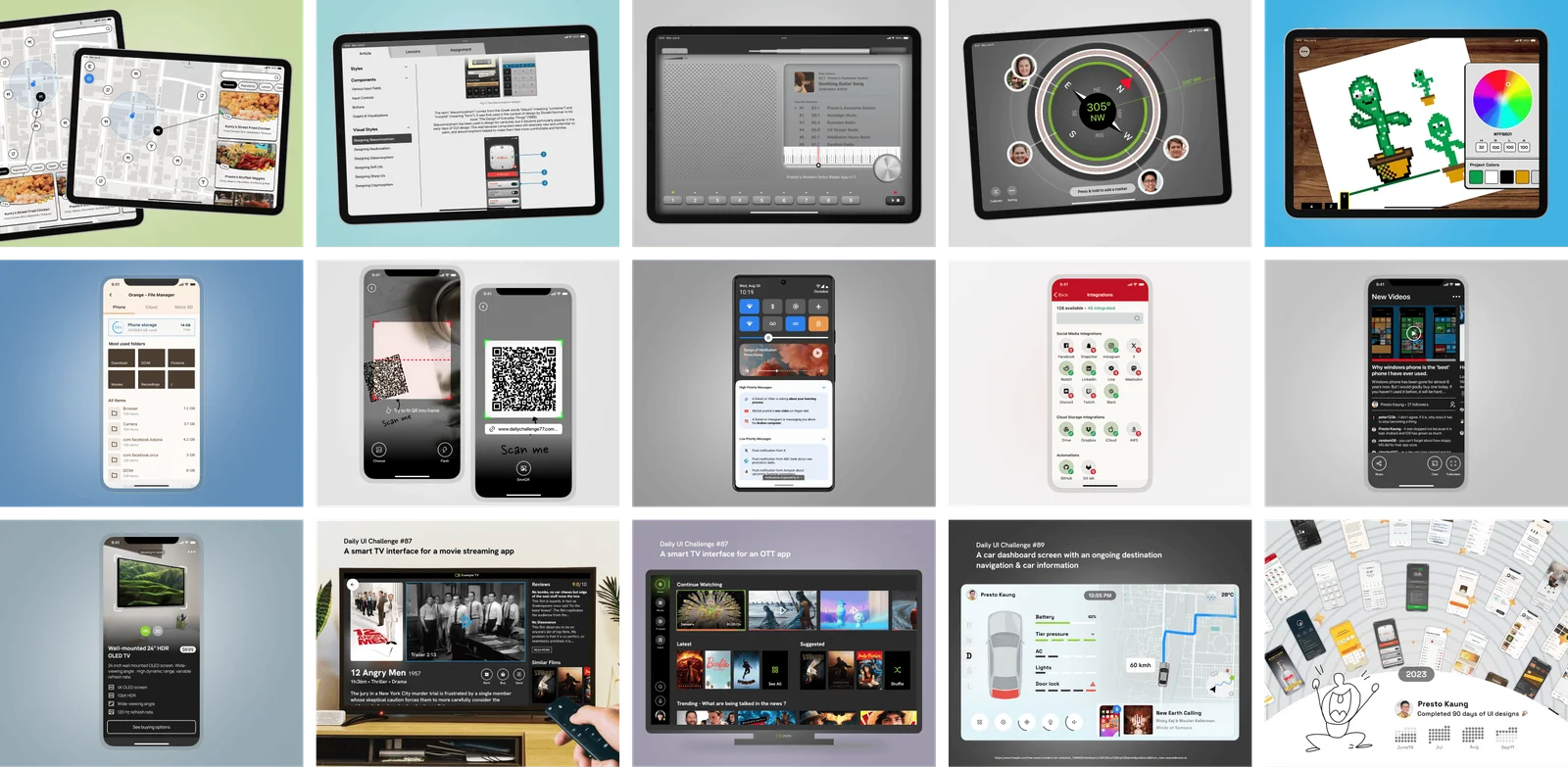
Visual craft across watches, phones, tablets, and large screens.
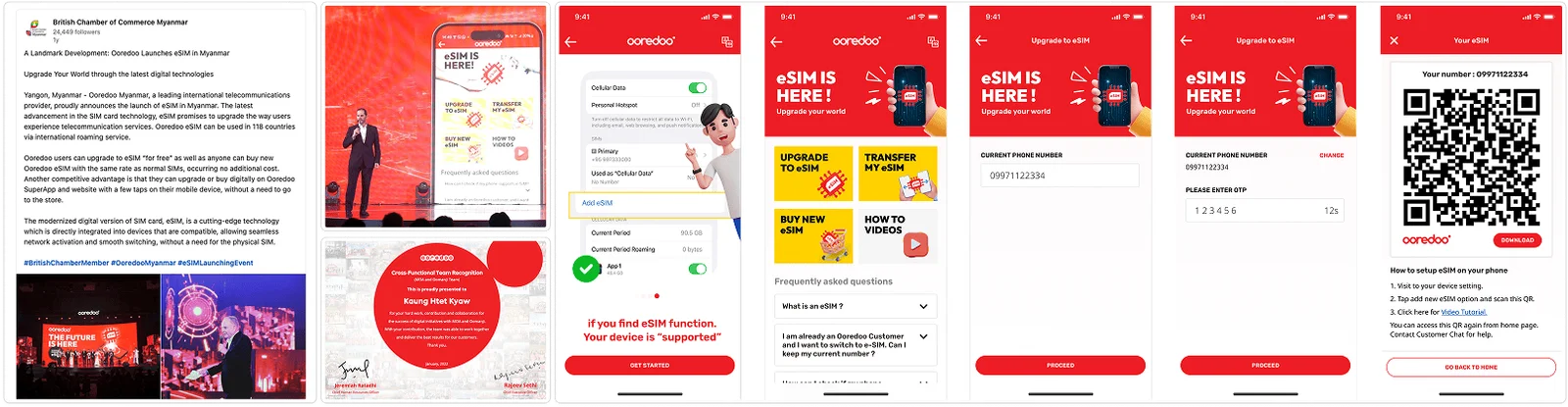
1. eSIM: Moving to Digital SIMs in One Screen
Moving from a physical SIM card to a digital eSIM used to be complicated. Working with senior innovation managers, we redesigned the entire process into a clean, single-screen experience. The app automatically checks if your phone supports eSIM, downloads your profile instantly, and activates with zero manual codes.
2. The 90-Day Challenge: Building Visual Discipline
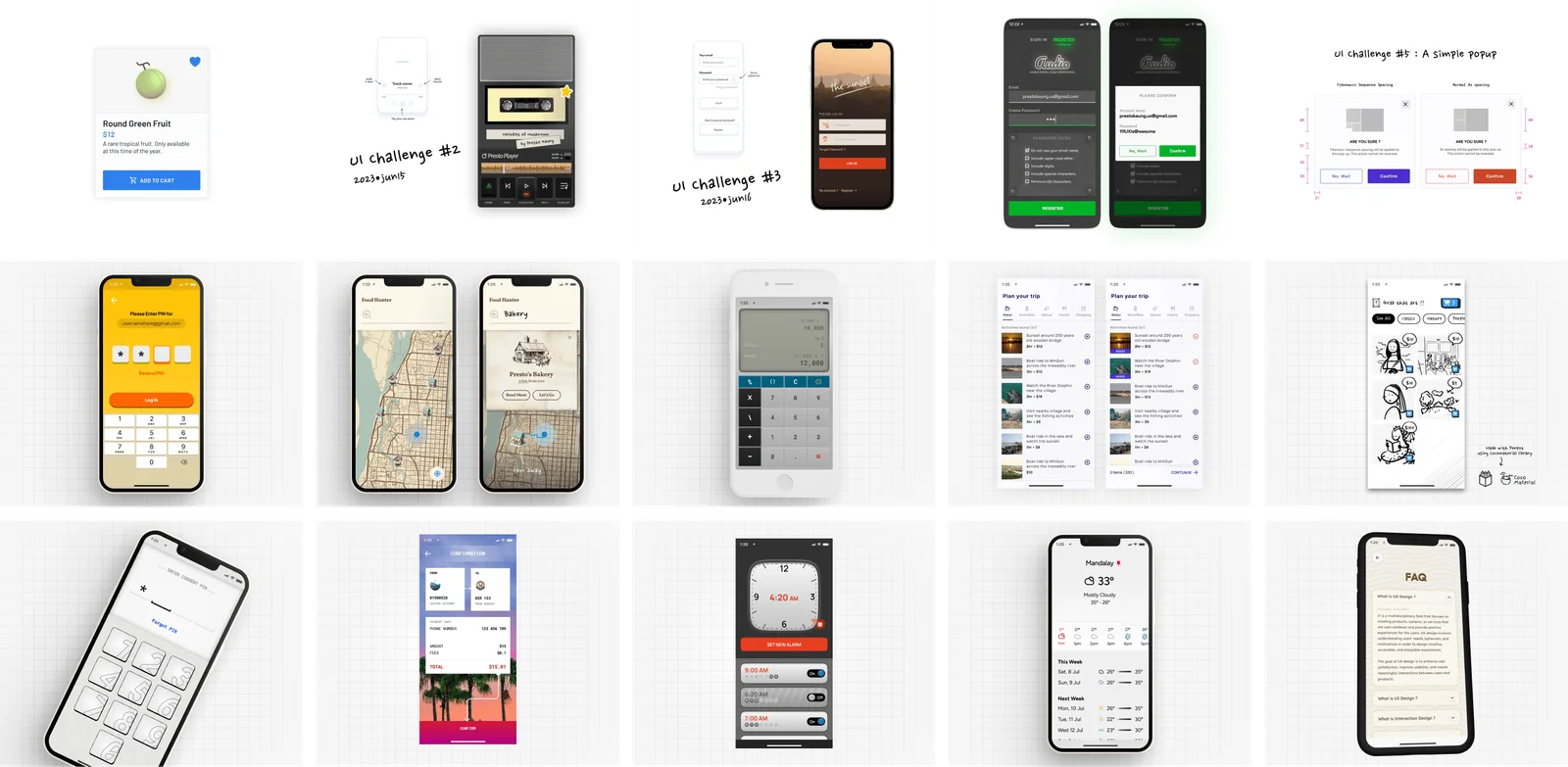
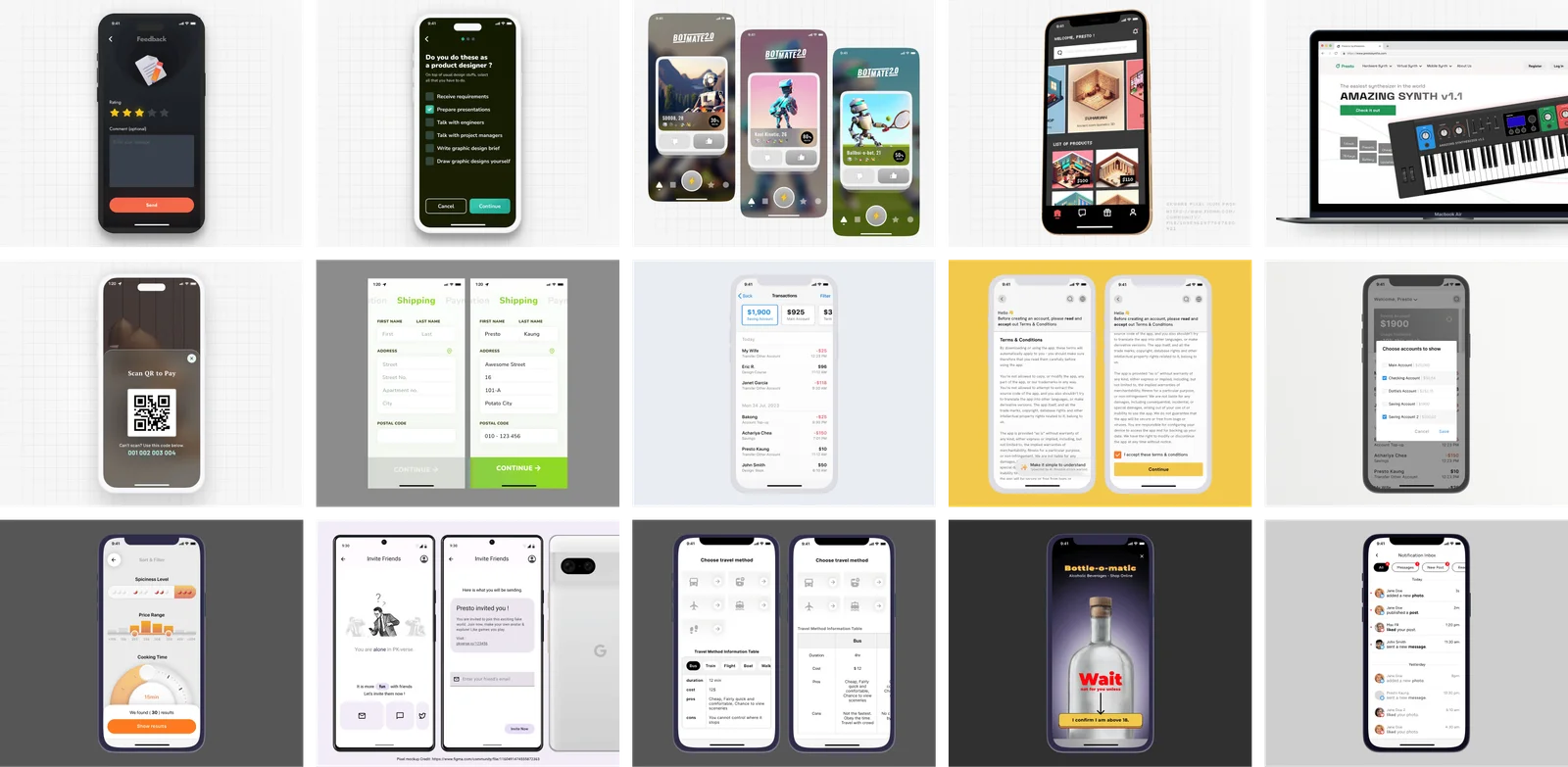
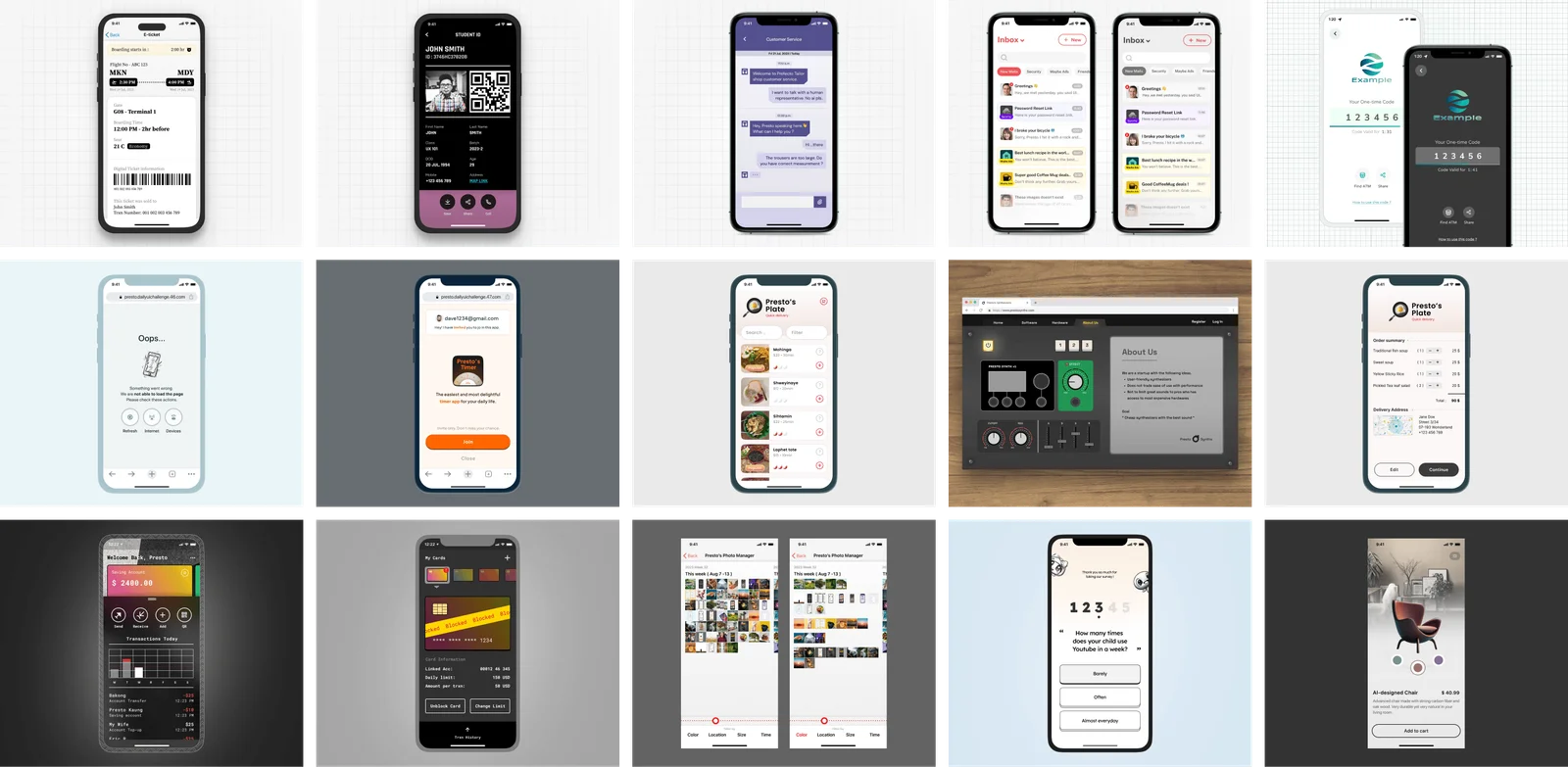
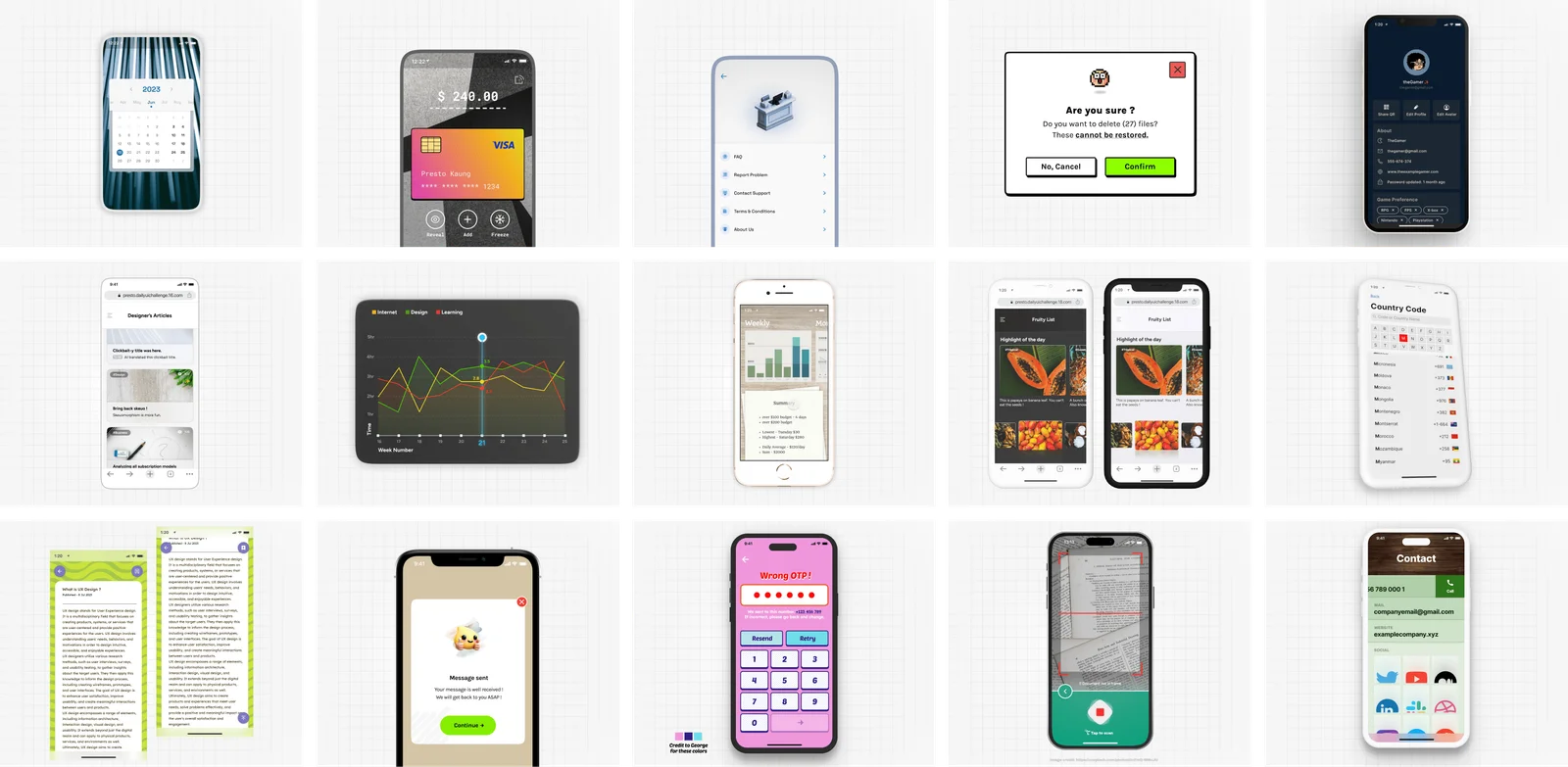
To push my visual skills, I committed to a 90-day design streak—designing and posting a new interface prompt every day for three months without missing a single day.
It pushed me far beyond my usual comfort zone. I experimented with bold typography, dark mode, high-density data, and completely different visual aesthetics:
3. Redesign Exercises: Learning from Big Apps
Taking apart popular platforms is one of the fastest ways to understand visual hierarchy and customer psychology:
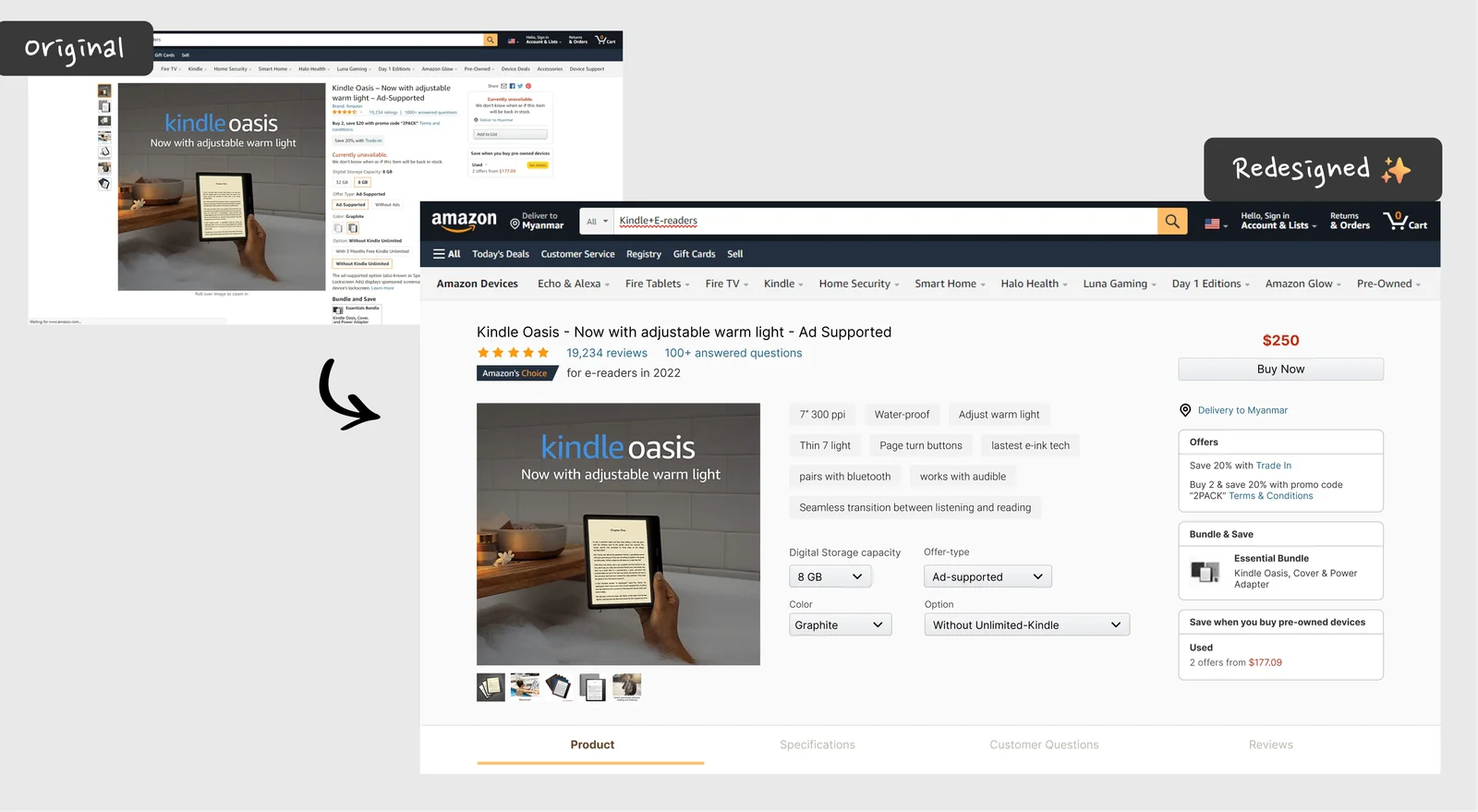
- Amazon Product Page: Instead of changing everything, I focused on cleaning up decision fatigue on product pages—grouping delivery options, product variants, and buy buttons into an easy, logical path.
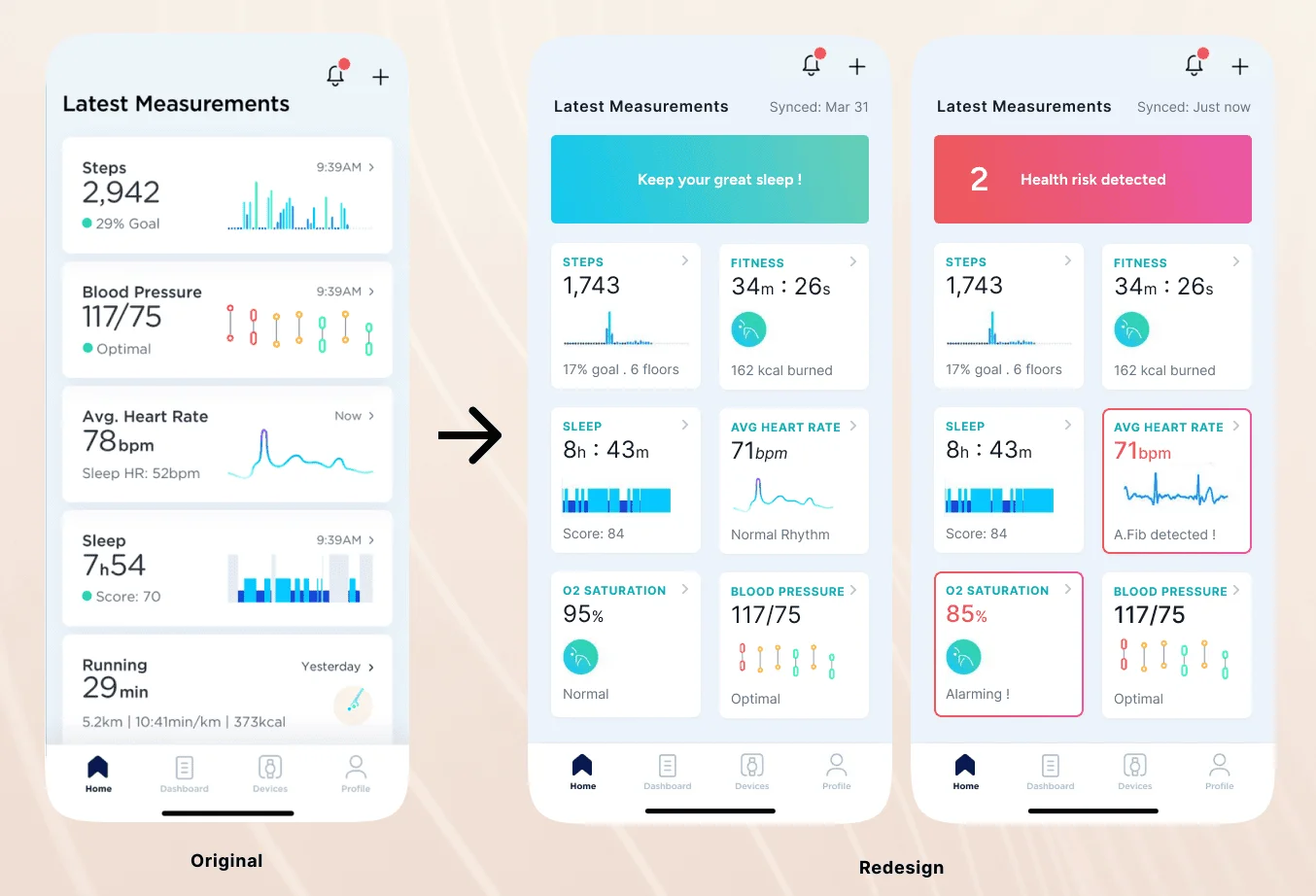
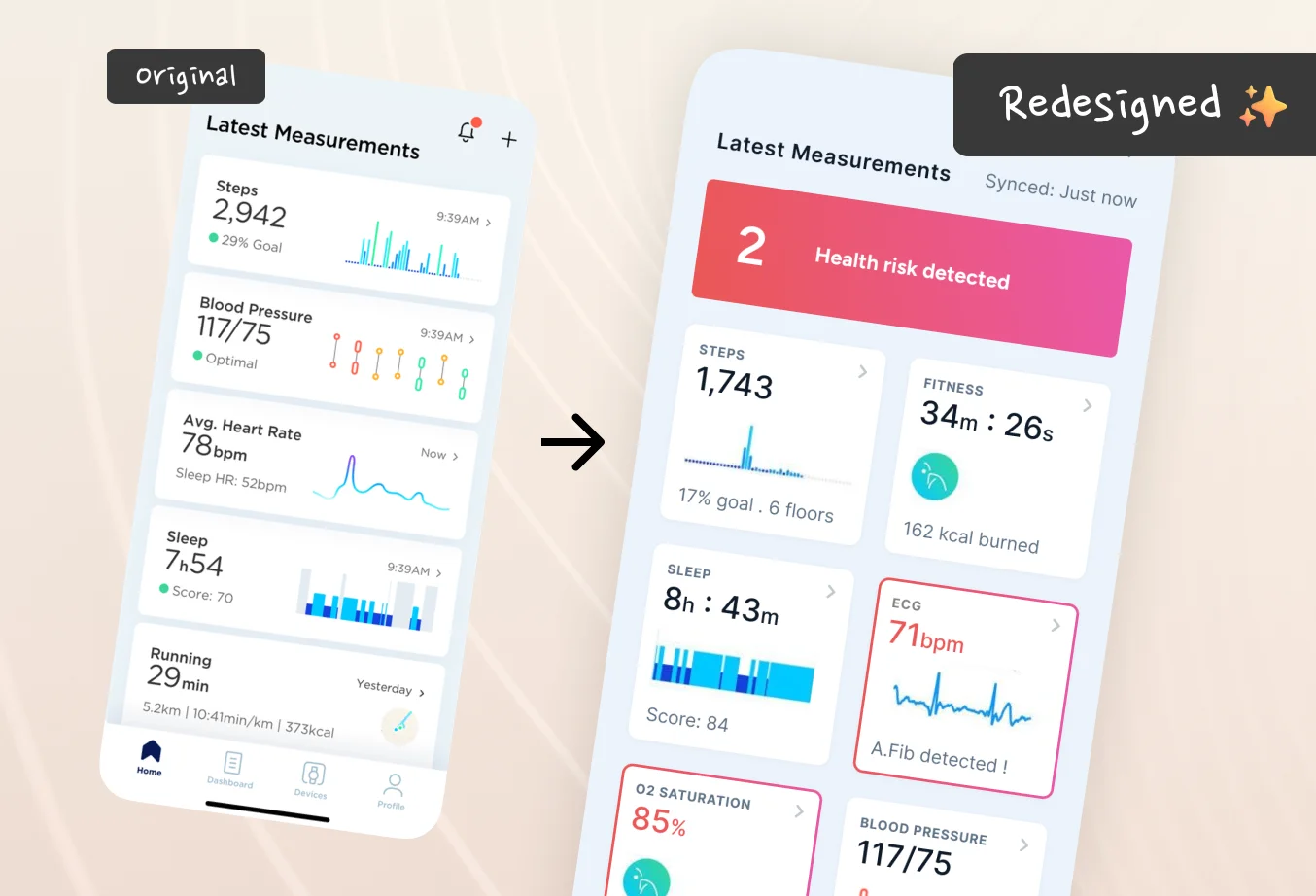
- Withings Health Dashboard: Most health dashboards report raw data like a spreadsheet. I redesigned the dashboard around urgency—bringing critical alerts (like low oxygen) to the very top with clear explanations.
4. Beyond Mobile: Designing Across Hardware
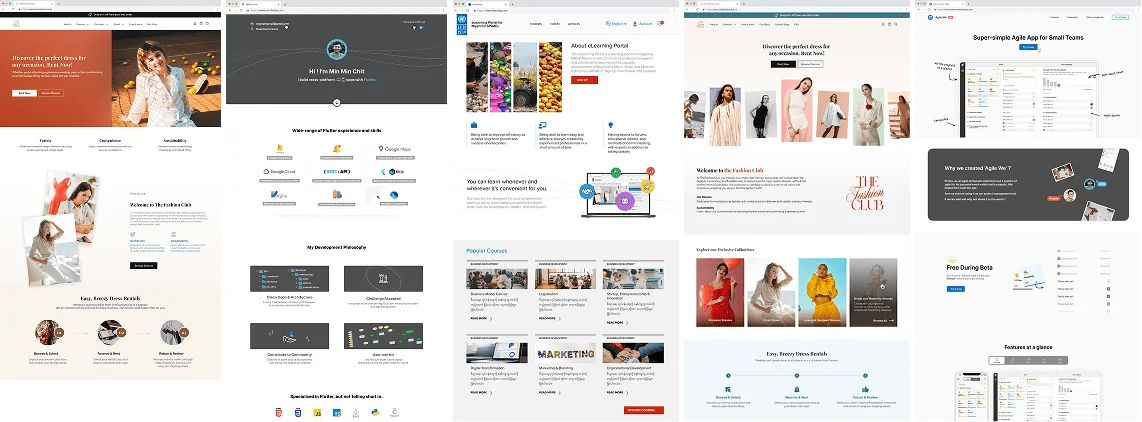
While mobile apps are my main canvas, I design across smartwatches, tablets, and wide desktop screens. Designing for different hardware is not just resizing boxes—it is about understanding how far the screen is from the user’s eyes and how they interact with it.
5. 3D Modeling & Visual Storytelling
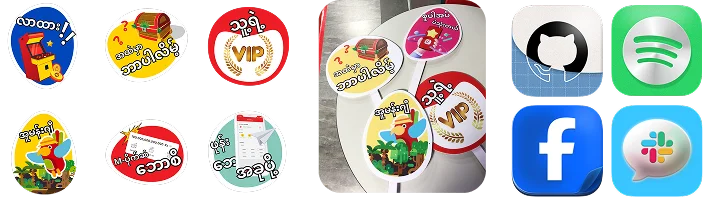
Craft doesn’t stop at 2D buttons and screens. I regularly practice 3D modeling in Blender, illustration, and graphic design to keep my spatial creativity sharp. Working in 3D teaches you how real light, shadows, and materials work—which directly improves how realistic and tactile your digital interfaces feel.




You might also like
 Sep 15, 2026
Why Custom Apps Cost More Than People Expect
Understanding the real costs behind building software: team salaries, the challenge of building alone, and why an app is an ongoing commitment.
 Sep 15, 2026
Mobile App vs. Web App: What Founders Need to Know
Understanding the real differences between an app you download from the store and an app that runs in your browser.
 Nov 27, 2023
We should try this for Health App Dashboards (Redesigning Withings App)
I am redesigning this for educational purpose. I saw Withings’ announcement in CES 2023, their products look so polished that I started checking their website and found the app.