
Non-UI Works
A showcase of research teardowns, workflow mapping, usability tests, and systems design behind the screens.
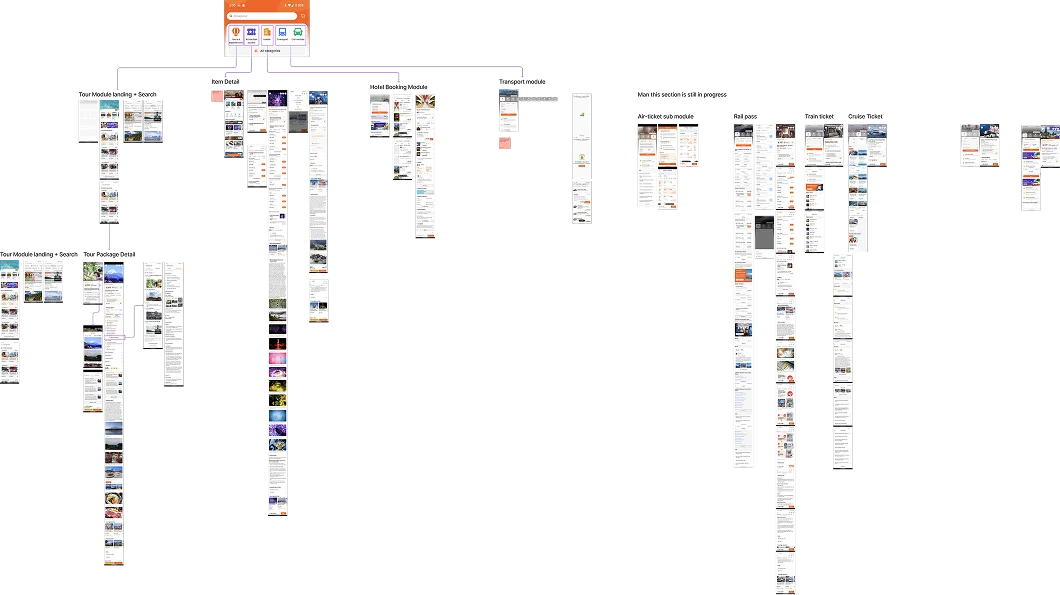
Research, workflows, and systems design behind the screens.
1. Beyond Drawing Screens
A lot of people think product design is just drawing screens in Figma—picking colors, adjusting fonts, and moving buttons around.
In reality, most of the hardest work happens before and behind the interface. If the underlying logic, business rules, or user steps are tangled, making the buttons look nicer won’t fix anything.
This article is a collection of my non-UI work: research breakdowns, workflow mapping, information architecture, usability testing, and cross-team workshops.
2. Research Deconstructions & Workflows
Different problems require different tools. Here is how I broke down real-world systems across different industries:
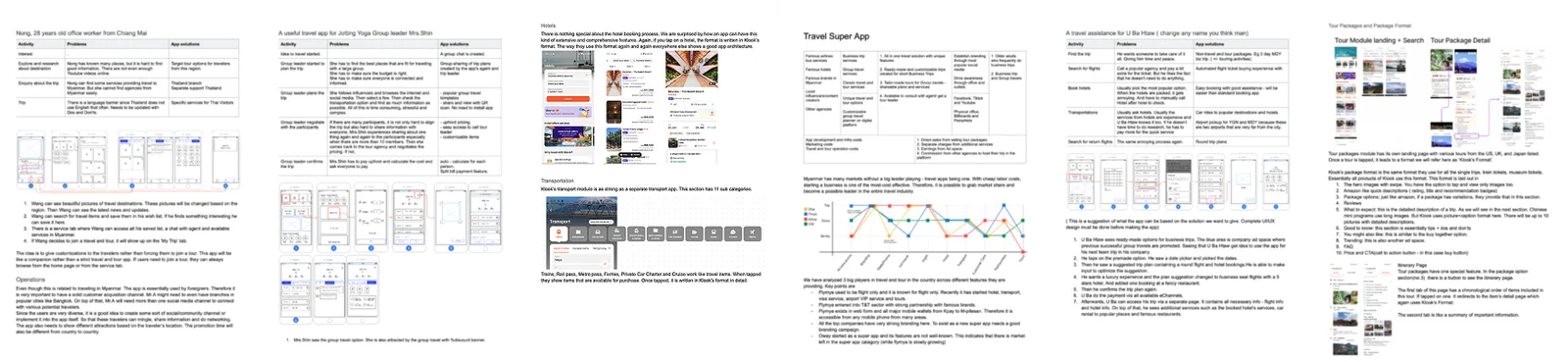
Klook: Booking Funnel Breakdown
Mapped out Klook’s ticket booking steps to see where travelers got confused or hesitated before paying.
RBS: Banking Architecture Audit
Studied how Royal Bank of Scotland organizes complex banking rules and multi-account permissions into clear daily customer journeys.
IFC: Institutional Workflows
Analyzed multi-stage loan approvals and compliance audits for the International Finance Corporation (IFC) to help teams track multi-million dollar approvals without losing oversight.
MetroGo: Commuter Navigation
Studied subway stations and physical signage to design a transit navigation flow commuters can read in a split second while walking.
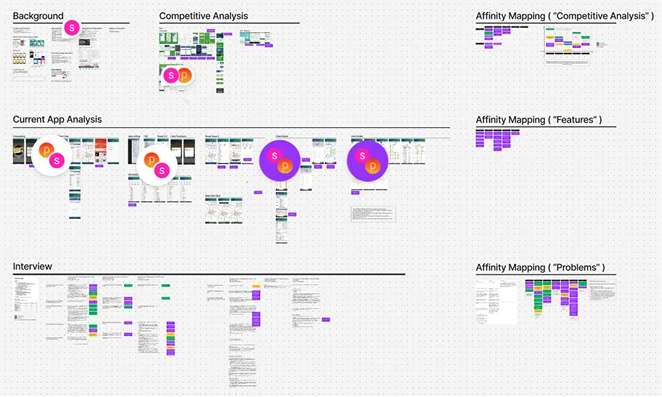
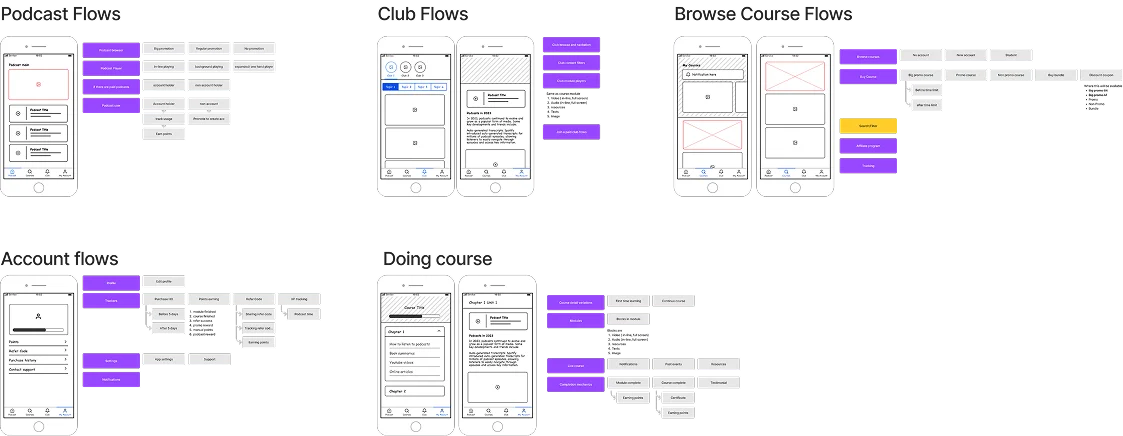
Falcon: State & Offline Sync
Mapped enterprise tracking states, ensuring the app handles offline data safely when workers lose internet connection in the field.
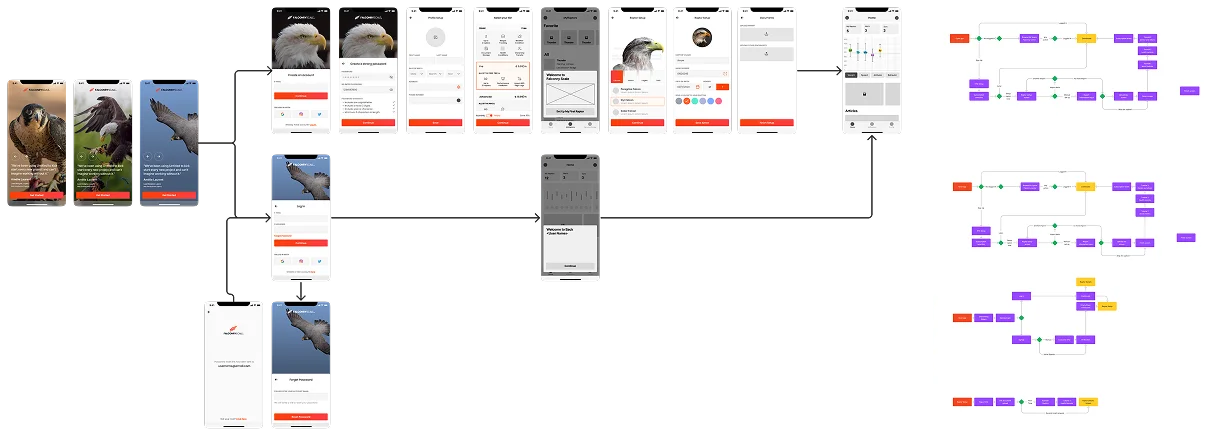
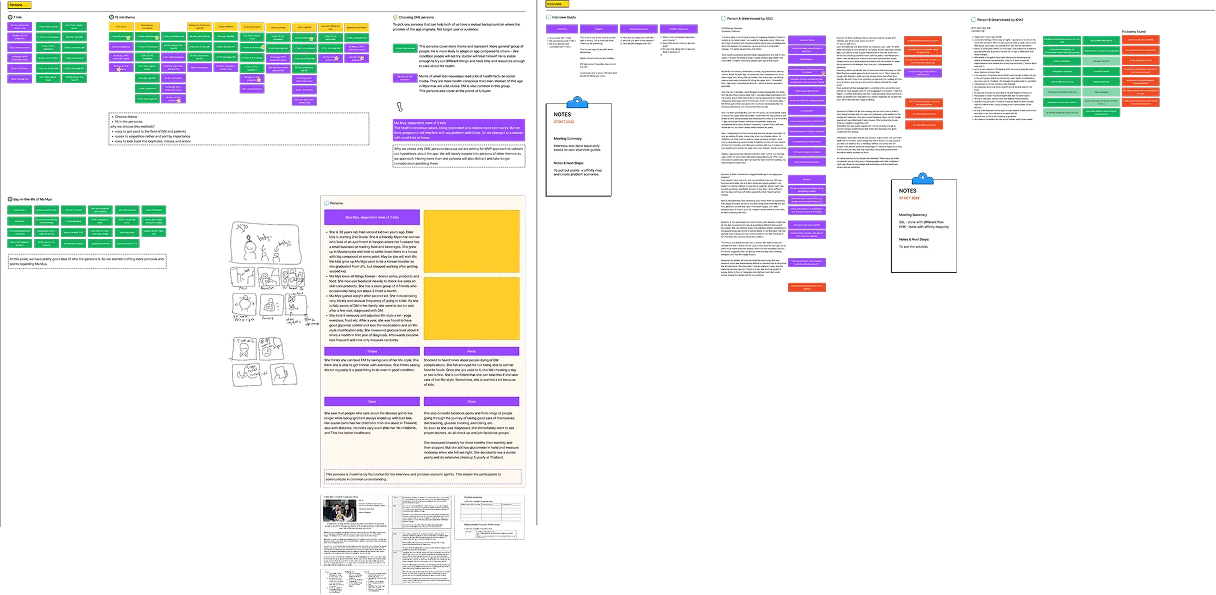
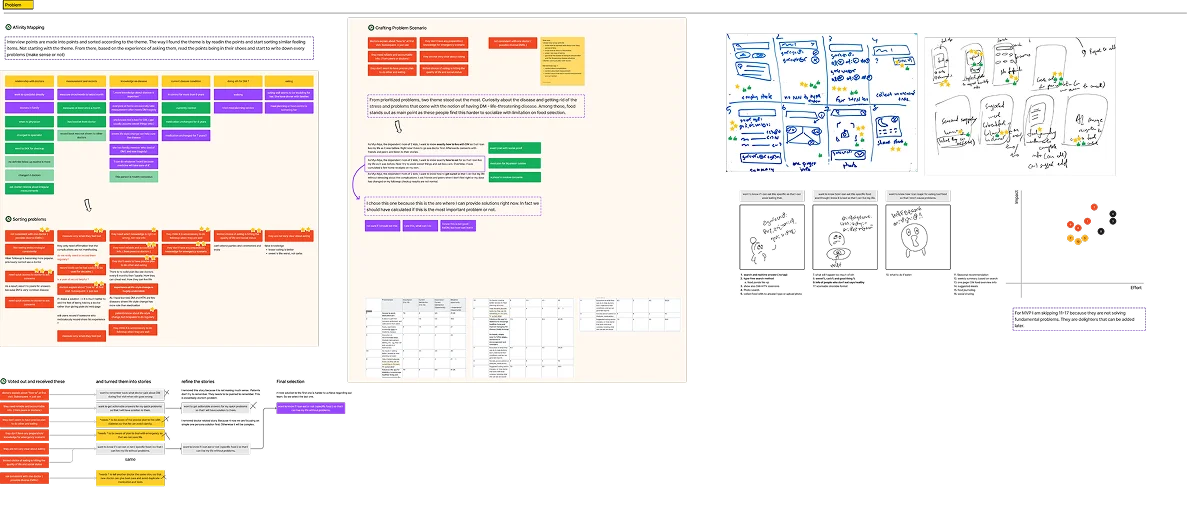
Affinity Mapping
Organized qualitative user feedback and interview notes into clear groups to pinpoint common patterns and pain points.
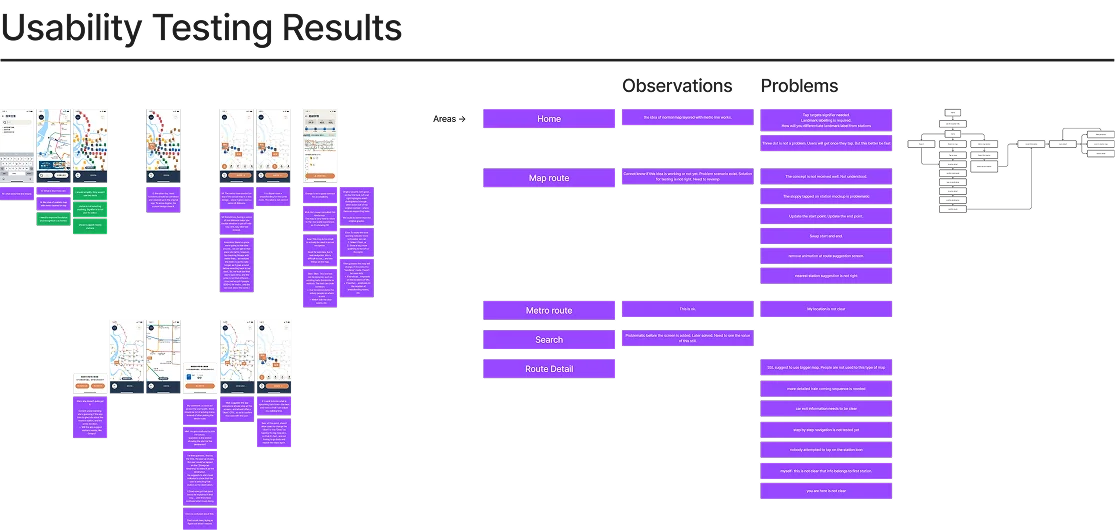
Usability Testing
Tested interactive prototypes with real users to measure task completion speed and identify stumbles before writing code.
3. Keeping Research Practical
Research is essential, but it can easily become a trap. Spending months on open-ended interviews without building anything often turns into expensive procrastination.
To keep research practical:
- Ask specific questions: Test clear, focused questions instead of doing vague academic exploration.
- Keep time limits: Set strict time limits for research sprints so momentum never stalls.
- Test with real products: A simple live prototype put in front of users teaches you more in two days than weeks of speculation.
- Spend time where risk is high: Focus deep research on core foundations (like checkout security or account data) that are hard to change later, and move quickly on surface layout details.
4. Communicating Across Teams
The best research is useless if it stays locked inside a presentation deck. Most of a product designer’s real impact comes from clear communication:
- Speaking different languages: Talking about business risk and return with executives, technical feasibility and APIs with engineers, and ease-of-use with customers.
- Prototypes over static slides: Showing realistic prototypes so everyone can experience edge cases and trade-offs directly.
- Building alignment: Helping separate departments see how a clean user experience directly protects company revenue and saves engineering time.
5. Enterprise Systems: The UNDP Learning Platform
A great example of this systems approach was the United Nations Development Programme (UNDP) eLearning initiative. What started as a simple request for UI mockups grew into building an entire Learning Management System (LMS) for small business owners across the country.
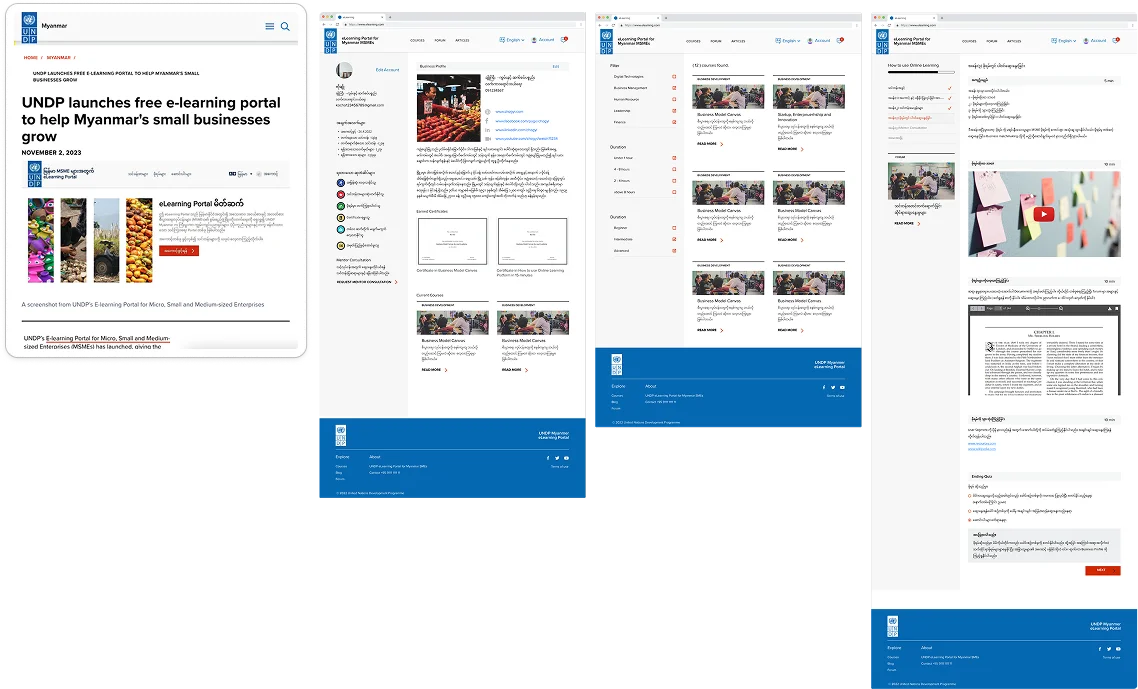
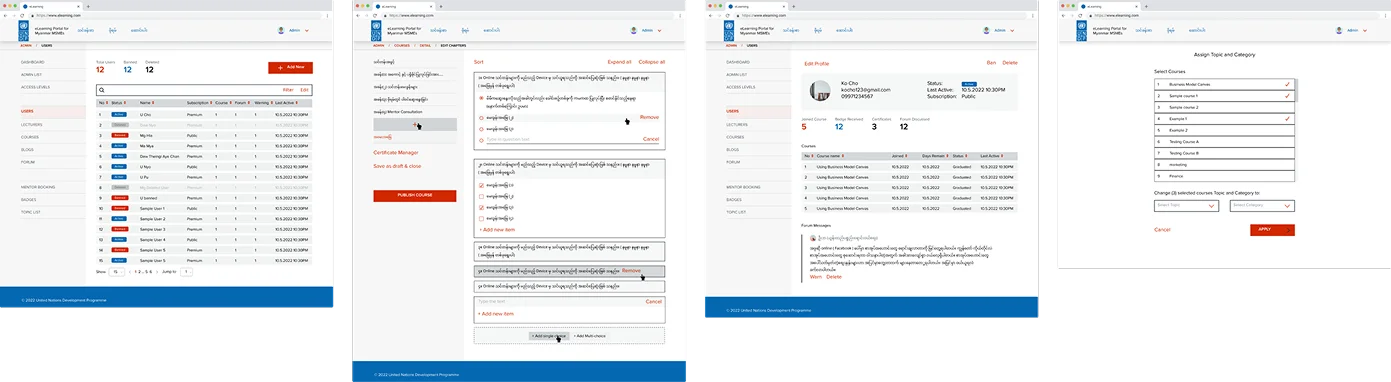
By studying slow internet speeds in rural areas, student drop-off patterns, and device limitations, we created a lightweight platform that worked reliably on low-bandwidth connections and helped thousands of entrepreneurs complete their courses.
You might also like
 Sep 15, 2026
Why Custom Apps Cost More Than People Expect
Understanding the real costs behind building software: team salaries, the challenge of building alone, and why an app is an ongoing commitment.
 Sep 15, 2026
Mobile App vs. Web App: What Founders Need to Know
Understanding the real differences between an app you download from the store and an app that runs in your browser.
 Aug 15, 2025